DaVinci Resolve vs Premiere Pro: Color Grading Workflows
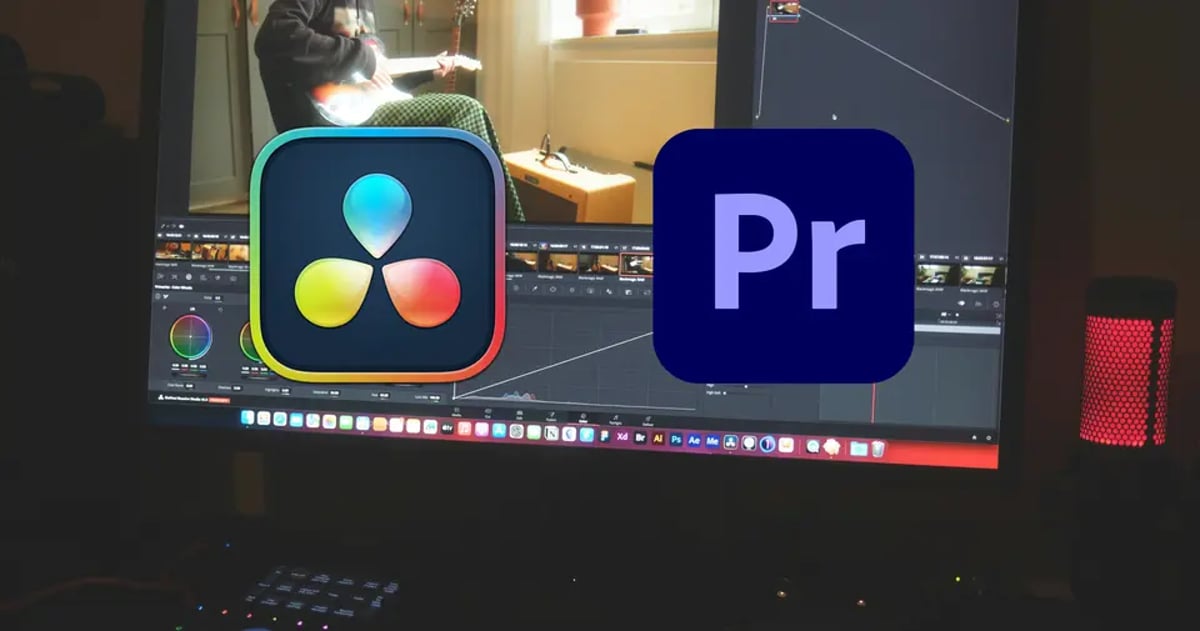
Comparing Color Grading Workflows: DaVinci Resolve and Premiere Pro
The choice of post-production software often boils down to a filmmaker's established pipeline and the specific demands of a project. For many, the decision between DaVinci Resolve and Adobe Premiere Pro for color grading isn't just about features; it's about workflow integration, real-time performance, and crucially, the fidelity and flexibility each platform offers. While both applications can achieve professional results, their architectural differences lead to distinct approaches in the grading suite.
DaVinci Resolve: The Dedicated Coloring Suite
Blackmagic Design's DaVinci Resolve originated as a high-end color correction system, a legacy that still defines its core strengths. Its node-based workflow is arguably its most significant differentiator, allowing for a non-linear, highly modular approach to applying grades.
Node-Based Grading and Color Management:
Instead of a layer stack, Resolve employs a node graph. Each node represents a specific operation or adjustment (e.g., primary correction, secondary selection, power window, noise reduction). This structure offers several advantages for complex grading:
- Non-Destructive and Modifiable: Every adjustment exists as an independent node. Grades can be reordered, disabled, or modified at any point without affecting subsequent operations in the chain. This provides immense flexibility during client reviews or when chasing an elusive look.
Resolve's Performance and Hardware Acceleration:
Resolve is engineered to heavily leverage GPU acceleration, particularly for processing high-resolution and high dynamic range (HDR) footage. This can translate to more fluid real-time playback and faster render times, especially on systems with multiple GPUs. Its optimized playback engine and efficient cache management contribute to a responsive grading experience, even with demanding codecs or extensive node structures.
Pro Tip: For complex grades involving multiple power windows, qualifiers, and noise reduction, monitor your GPU usage. Resolve reports this directly in the Performance Monitor. If you are consistently hitting 90% or more, consider optimizing your node tree or upgrading your GPU configuration. Sometimes, consolidating operations or using Resolve's built-in render cache strategically can make a significant difference.
Adobe Premiere Pro: The NLE with Integrated Grading
Adobe Premiere Pro, at its heart, is an editing application. Its color tools, primarily found within the Lumetri Color panel, are designed for integration within an editorial workflow, aiming for efficiency and speed for editors who need to perform basic to intermediate grades without leaving their primary NLE.
Lumetri Color Panel and Layer-Based Grading:
Premiere Pro's approach to color correction is fundamentally layer-based, applying adjustments as effects on clips or adjustment layers.
- Effect Stack: Lumetri Color is applied as an effect, and its parameters are adjusted within the Effect Controls panel. Multiple instances of Lumetri can be stacked, or other effects can be interleaved.
Limitations and Considerations in Premiere Pro:
While Premiere Pro has made strides in its color capabilities, certain aspects can present challenges for advanced grading:
- Order of Operations: The effect stack is linear. The order in which Lumetri and other effects are applied directly impacts the result. Reordering or inserting effects mid-stack can sometimes be cumbersome compared to Resolve's node structure.
Pro Tip: When grading in Premiere Pro, use Adjustment Layers extensively. Name them descriptively (e.g., "Global Contrast," "Skin Tone Cleanup") to keep track of your changes. For shared projects, clearly label your Lumetri instances on individual clips for easier collaboration. And always render your preview files when working with complex grades to ensure smooth playback during reviews.
Round-Tripping and Collaborative Workflows
For projects that demand the editorial efficiency of Premiere Pro and the sophisticated grading capabilities of Resolve, round-tripping is a common practice.
1. Export XML from Premiere Pro: Editors typically export an XML file from their Premiere Pro sequence. This file contains the sequence information, edit points, and basic transform data.
Challenges in Round-Tripping:
- Conform Issues: Mismatched frame rates, complex re-times, and unsupported blending modes can break round-tripping. To prevent data loss, following strict media management rules, checksums, and backup strategies is essential from the moment footage is ingested.
The Evolution of All-in-One vs. Best-of-Breed
The ongoing development of both platforms illustrates a broader trend in post-production. Resolve has expanded its capabilities to include editing, VFX (Fusion), and audio (Fairlight), aiming to be an all-in-one solution. Premiere Pro, conversely, continues to enhance its Lumetri Color panel and integrates deeply with other Adobe creative applications.
For a professional colorist working on high-end feature films or commercials, DaVinci Resolve remains the industry standard due to its profound depth of tools, node-based flexibility, and robust color management. Editors and filmmakers working on projects with tighter budgets or rapid turnaround times might prefer Premiere Pro for its integrated editing-to-color workflow, even if it means some compromises on grading complexity.
Ultimately, the choice hinges on the project's scale, the required fidelity of the grade, and the collaboration model. A thorough understanding of each platform's strengths and weaknesses is essential for designing an efficient and effective post-production workflow, ensuring that the visual intent of the creative team is realized on screen. There isn't a single solution that fits every scenario, but rather a strategic alignment of tools with creative and logistical requirements.
---
© 2026 BlockReel DAO. All rights reserved. Licensed under CC BY-NC-ND 4.0 • No AI Training.