DaVinci Resolve 21: Photo Page, AI & Krokodove in Fusion
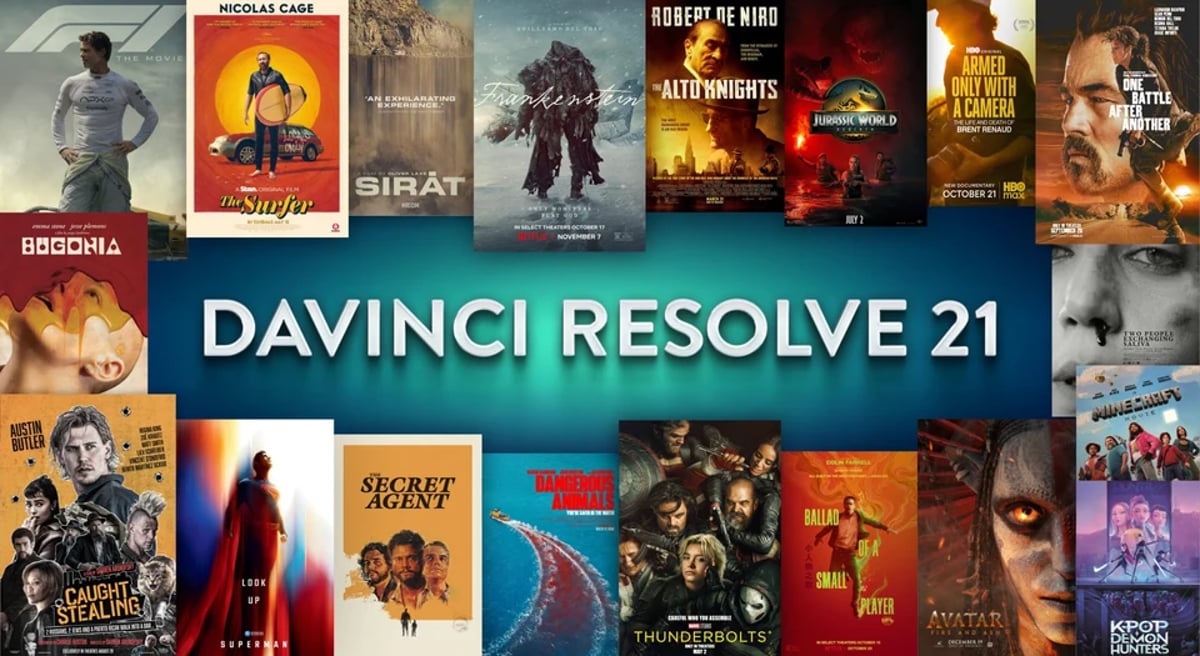
Blackmagic Design has officially released DaVinci Resolve 21, marking a significant evolution of the platform. This update introduces a new Photo page, expands the integrated AI toolset, incorporates Krokodove functionality into Fusion, and broadens RAW format compatibility. The comprehensive nature of these enhancements indicates an intent to solidify Resolve's position across various post-production disciplines, extending its reach beyond traditional video editing and color grading.
The announcement of Resolve 21 predated NAB 2026, where Blackmagic Design first unveiled the Photo page, eight new AI tools, and tethered camera control. Following a public beta phase, the final release now integrates a wide array of new capabilities and refinements, including IntelliSearch for content-aware media search and CineFocus for focal point adjustment.
A critical consideration for post-production professionals is Blackmagic Design's approach to project library compatibility. While Resolve 21 maintains backward compatibility with version 20.3.2 project libraries, any project opened or created in Resolve 21 becomes inaccessible in earlier Resolve 20.3.2 versions. This necessitates meticulous project library backups prior to upgrading, a standard but crucial precaution in any major software transition, particularly given the extensive changes implemented in Resolve 21.
A Dedicated Photo Page for Still Image Workflow
The most prominent new feature is the Photo page, which integrates advanced still image editing capabilities directly within the Resolve environment. This move blurs the lines between traditional photo and video post-production workflows, leveraging Resolve's established node-based grading engine for still images.
Key aspects of the Photo page include:
- Image Library Management: A built-in system supports tagging, favoriting, rating, and organizing images into albums. This allows for direct management and manipulation of photo assets at their source resolution without requiring external applications.
This dedicated page provides colorists and DITs an integrated option for managing and grading still images, whether they are reference photos from set, publicity stills, or promotional material that requires consistent color treatment with the video assets. The ability to work within the same color management framework as the video timeline helps maintain visual fidelity and brand consistency across media types, an approach also covered in our piece on color grading mastery from technical foundations to creative excellence.
Expanded AI Toolset and Editorial Refinements
The AI additions in Resolve 21 are headlined by IntelliSearch, which lets editors find clips by describing their content, and CineFocus, which refines focal point adjustments in post. Both were demonstrated at NAB 2026 and arrived in the public beta cycle before this release. The broader Studio-tier AI feature set continues to grow, covering tasks such as slate reading, de-aging, and blemish removal. For professionals, these tools can streamline mundane processes, allowing more time for creative decisions. Understanding the practical limitations of any AI-driven toolset remains paramount.
Beyond the AI capabilities, the keyframing system on the Cut and Edit pages has been substantially reworked. Retiming now uses 4-point bezier controls, keyframes and curves can be added across multiple selected clips at once, and ease options sit alongside loop, ping pong, reverse, and stretch behaviors. Keyframing now extends to Fusion effects, generators, and text in addition to edit effects, and subframe support has been added for both keyframes and markers. These updates improve the efficiency and flexibility for editors, offering granular control over visual elements and transitions directly within the editing interface.
The Media Pool also benefits from refinements, including tabbed layouts and per-bin thumbnail, list, and metadata views. Stronger metadata management is crucial for large-scale productions, enabling faster asset location, better organizational consistency, and more intelligent automation of tasks. On the Color page, clip groups now support grade versions, node graphs can be viewed as a layer list, and node stacks support up to eight layers, alongside customizable HDR and nit scope ranges and ACES AMF improvements. For a wider comparison of grading workflows, see DaVinci Resolve and Premiere Pro side by side.
Fusion's Deeper 3D Pipeline and Krokodove Integration
For visual effects artists, the integration of Krokodove within Fusion is a significant development. Krokodove brings over 100 new motion graphics effects and tools to Fusion, expanding its capabilities for creating complex animations, kinetic typography, and advanced visual effects. This addition augments Fusion's existing toolset, providing more options for procedural generation, intricate transformations, and specialized effects that previously might have required external plugins or custom scripting. A new Macro Editor with an inspector view, plus the ability to publish macros to edit effects, rounds out the motion graphics push.
The 3D pipeline in Fusion advances with support for USD SDK 25.11 and the Hydra 2.0 API for the Storm renderer, USD support for 3D matte objects and textures, a USD Texture Projector and Catcher, and global in-out controls for the USD Loader. Other additions include native creation of Relief Maps and a Lens Distort tool that now offers checkerboard calibration and GPU acceleration. For VFX supervisors and compositors, a stronger 3D environment within Fusion can reduce the round-tripping necessary between dedicated 3D applications and Fusion, aligning with broader trends covered in our VFX and animation outlook for 2026.
Broad RAW Support and I/O Flexibility
Maintaining broad compatibility with camera formats and codecs is critical for any professional post-production suite. Resolve 21 expands its RAW decode support to include Canon CR3, Panasonic LUMIX RW2, FUJIFILM RAF, and Apple ProRAW, alongside improved Nikon NEF decode and support for compressed ARW from the Sony A7V and newer cameras. Sony Burano V3 clips and Insta360 I-Log are now recognized in color management. This ensures productions using current camera technologies can integrate RAW footage into a Resolve workflow without external transcoding or proprietary software, a workflow consideration we explored in the real cost of RAW.
Additional advancements in codecs and I/O capabilities are also part of this release. The list includes Intel QuickSync AV1 4:4:4 decode and encode, Windows on Arm H.265 10-bit 4:2:2 decode, HDR decode and encode for HEIC, JPEG, PNG, and TIFF, enhanced MXF growing file support, and MXF OP1A support for MPEG2 bitrate options. Broadcast and delivery teams gain a per-render-job option to override RCM or ACES outputs. Keeping current with the evolving landscape of camera technologies and delivery formats is not merely a feature, it is a necessity for a platform like DaVinci Resolve.
Free vs. Studio and Project Upgrades
As with previous versions, DaVinci Resolve 21 is available in both a free version and a paid Studio version. The free build includes the same high-quality processing as Studio and can handle unlimited resolution media files, but it limits project mastering and output to Ultra HD resolution or lower and supports only a single processing GPU on Windows and Linux. Studio unlocks multiple GPUs, 4K and higher output, motion blur effects, temporal and spatial noise reduction, the full set of AI-based tools, HDR tools, the camera tracker, voice isolation, surround and immersive audio, additional Resolve FX, 3D stereoscopic tools, and remote rendering. These differentiating features make Studio a staple for professional post-production houses and high-end projects, while the free version remains a strong entry point for independent filmmakers and educators.
The warning regarding project library compatibility is not merely a legal disclaimer but a practical admonition for post-production supervisors and lead editors. A full project library backup, alongside individual project backups, is non-negotiable. While the ability to open a library from a previous version is typically smooth, the inability to revert a Resolve 21 project back to Resolve 20.3.2 means any unforeseen issues with the new software could halt a project. Prudent practice dictates thorough testing of critical workflows with non-production projects on duplicate hardware setups before fully transitioning a live production to the new version. This methodical approach minimizes risks associated with software upgrades and helps prevent costly downtime.
For professionals navigating the intricacies of project management and software transitions, these considerations are paramount. Decisions around upgrading software mid-project or adopting new versions for incoming productions require careful calculation of benefits versus potential risks. The enhancements in Resolve 21, particularly the Photo page and expanded Fusion capabilities, offer compelling reasons to upgrade, but these must be weighed against production timelines and stability requirements. Understanding how new features like the Photo page can integrate (or complicate) existing DIT or color workflows requires more than just reading a feature list, it demands hands-on evaluation. For complex multi-user environments, these considerations extend to the entire team, ensuring all workstations are consistently updated or that specific projects remain on a defined, stable version.
The Blackmagic Design philosophy of continuous and significant updates to DaVinci Resolve continues to redefine expectations in the post-production toolset landscape. The incorporation of diverse functionalities, from still image grading to advanced VFX and broad RAW support, points towards a centralized platform model that addresses a comprehensive range of professional needs, or at least attempts to. Whether these myriad additions truly streamline workflows or, in some cases, add further complexity, will be determined by how extensively they are adopted and integrated into specific production pipelines.
---
© 2026 BlockReel DAO. All rights reserved. Licensed under CC BY-NC-ND 4.0 • No AI Training.